付费问答
- 付费问答
- 技术博客
- 源码买卖
原 windows下安装openclaw
版权声明:本文为博主原创文章,请尊重他人的劳动成果,转载请附上原文出处链接和本声明。
本文链接:https://www.91mszl.com/zhangwuji/article/details/1513
英文版(推荐)
npm install -g openclaw@latest

中文版
npm install -g openclaw-cn@latest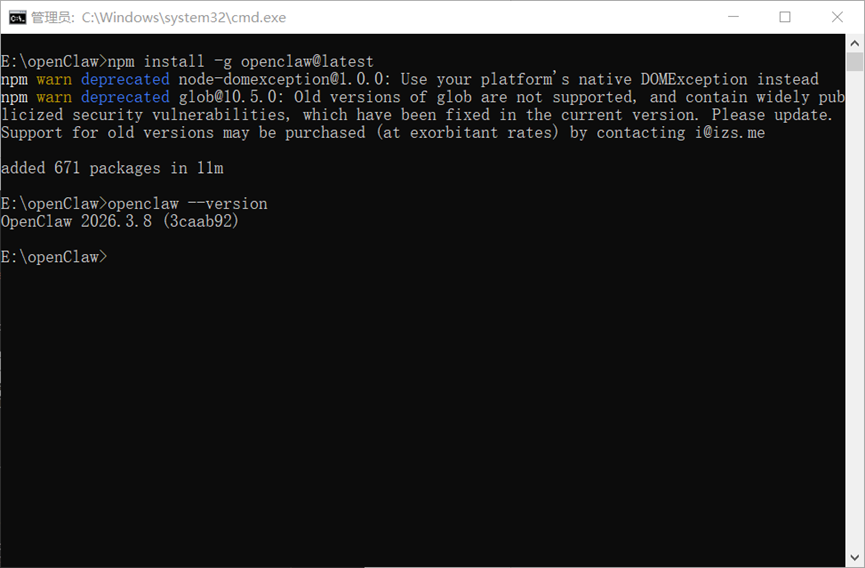
openclaw --version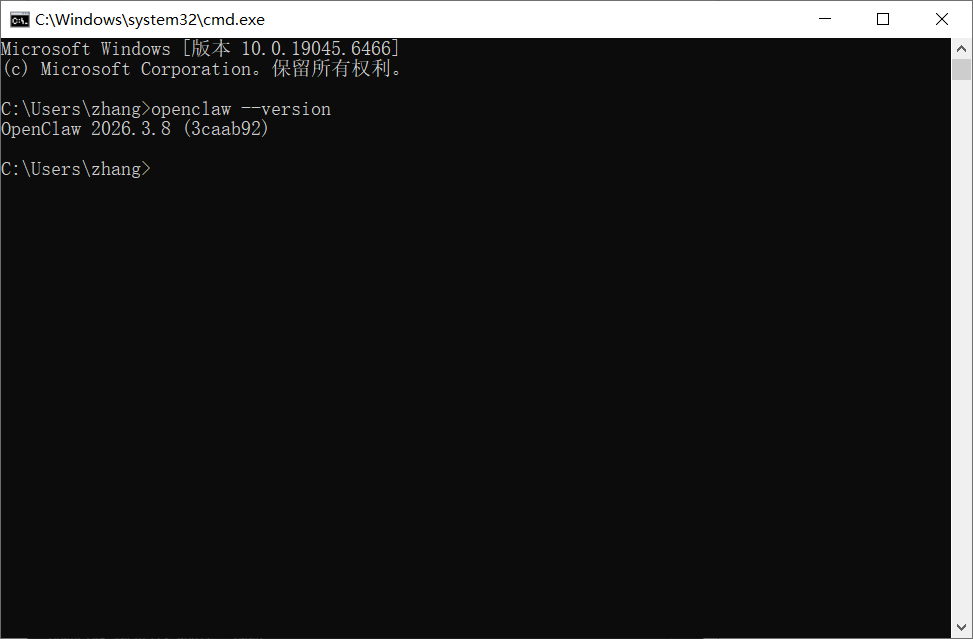
openclaw onboard --install-daemon4.1)I understand this is powerful and inherently risky. Continue? 选择 ”Yes”
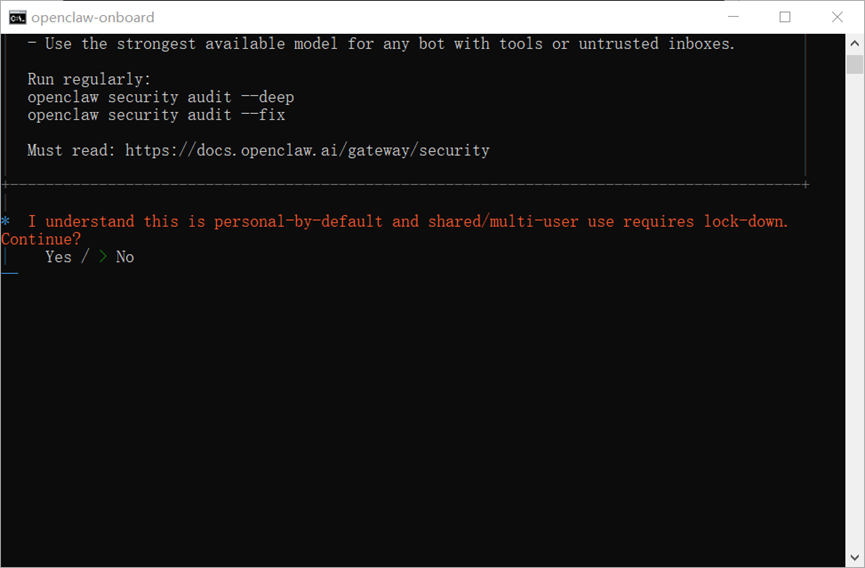
4.2)Onboarding mode 选择 “QuickStart”

4.3)Model/auth provider 选择“Qwen”
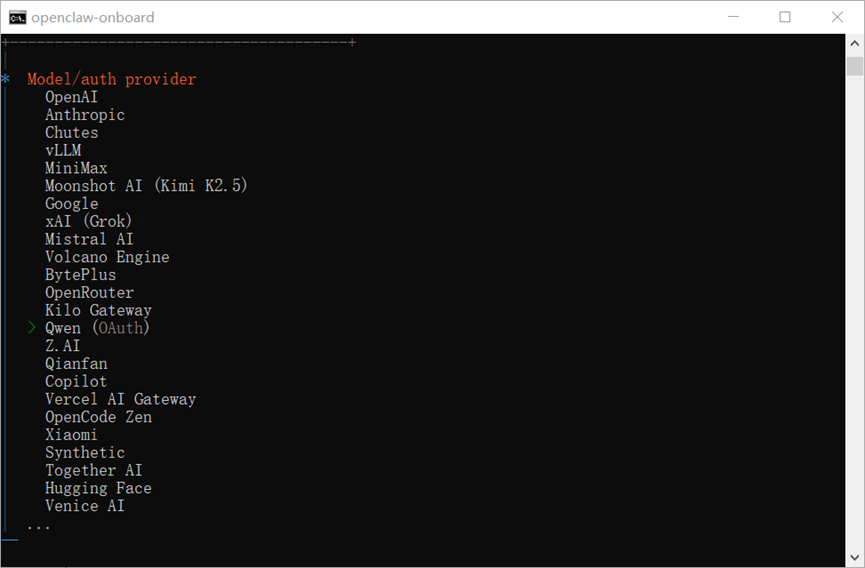
我这里选择Qwen后会自动打开千问的授权网页进行授权
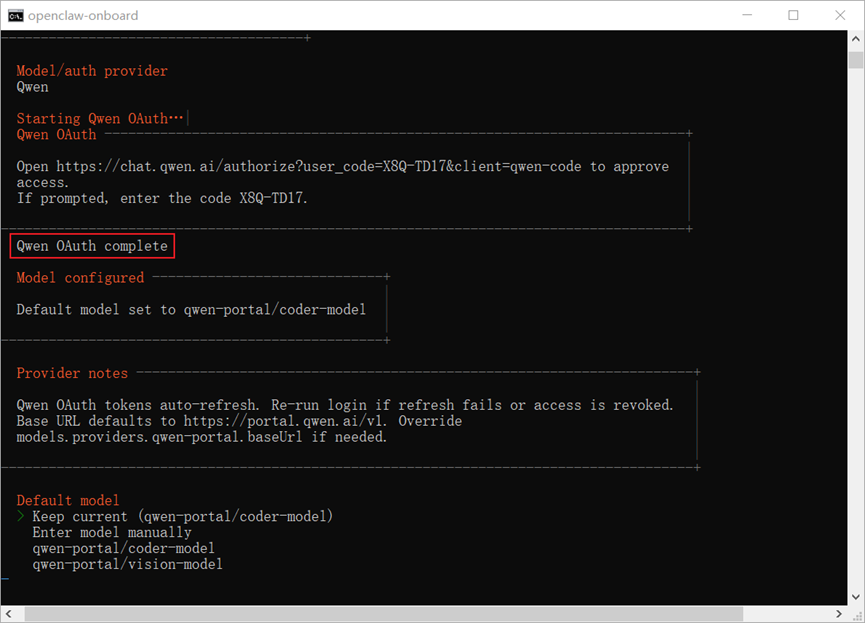
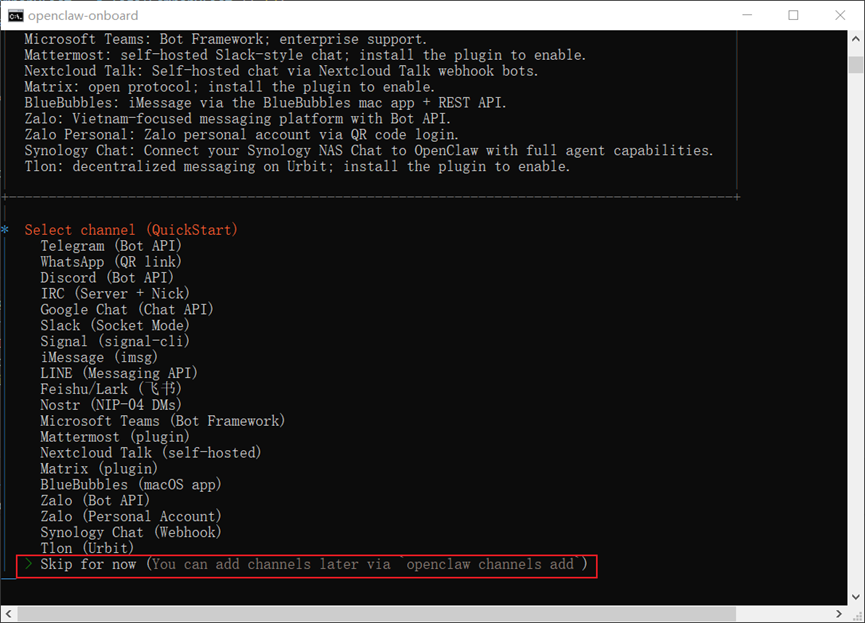
4.4)Select channel (QuickStart) 选择 “Skip for now”,后续可以配置
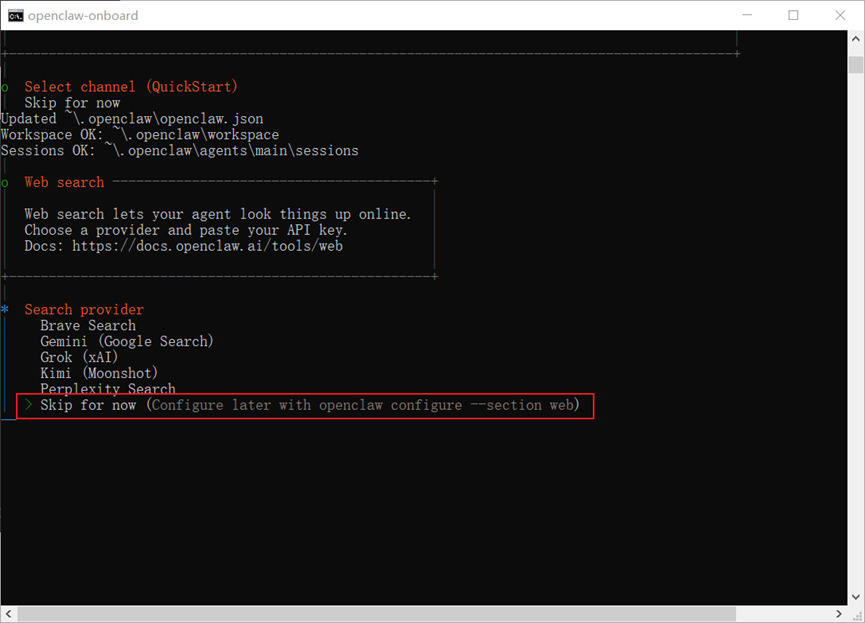
4.5)Search provider 选择 “Skip for now”,后续可以配置
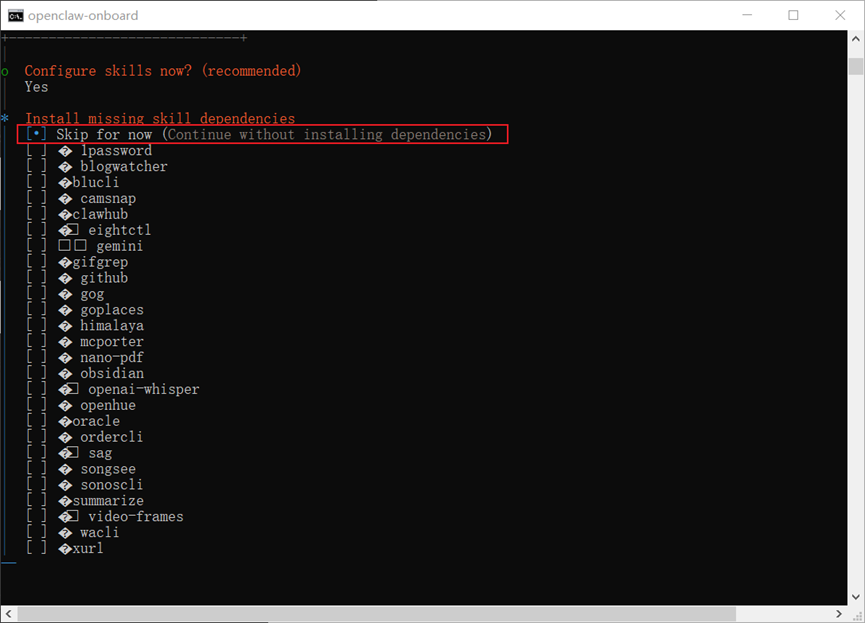
4.6)Configure skills now?(recommended)选择 “Skip for now”,后续可以配置
4.7)Set GOOGLE PLACES_API_KEY for goplaces? 选择No
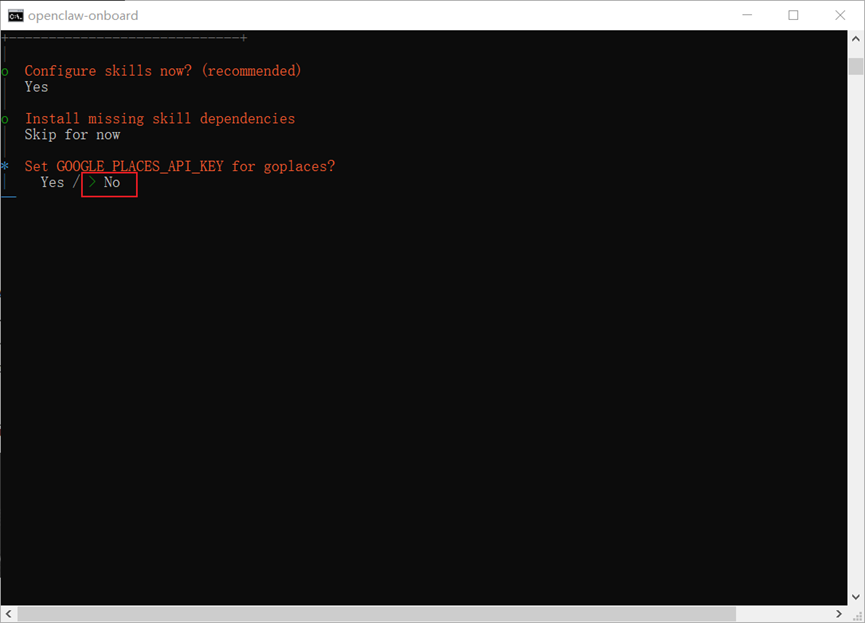
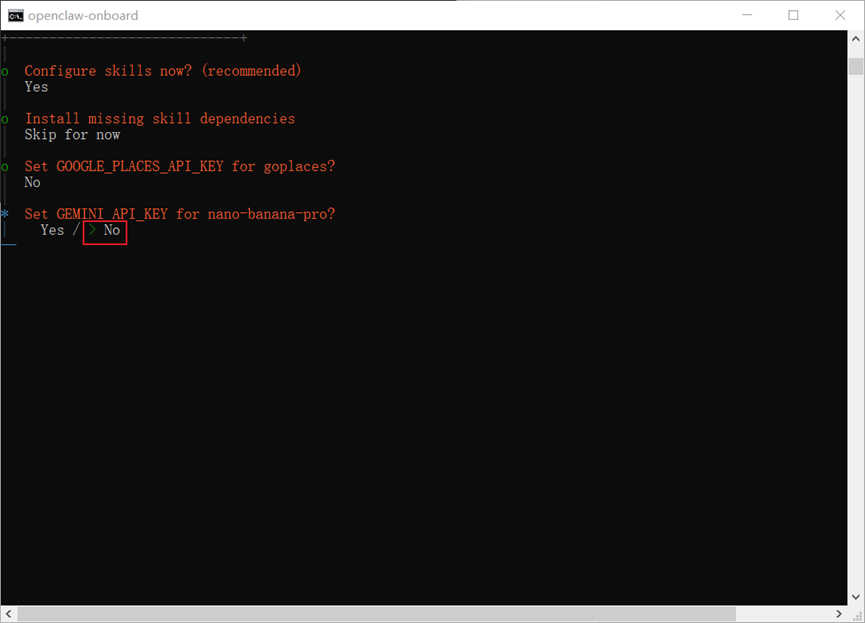
4.8)Set GEMINI_API_KEY for nano-banana-pro? 选择No
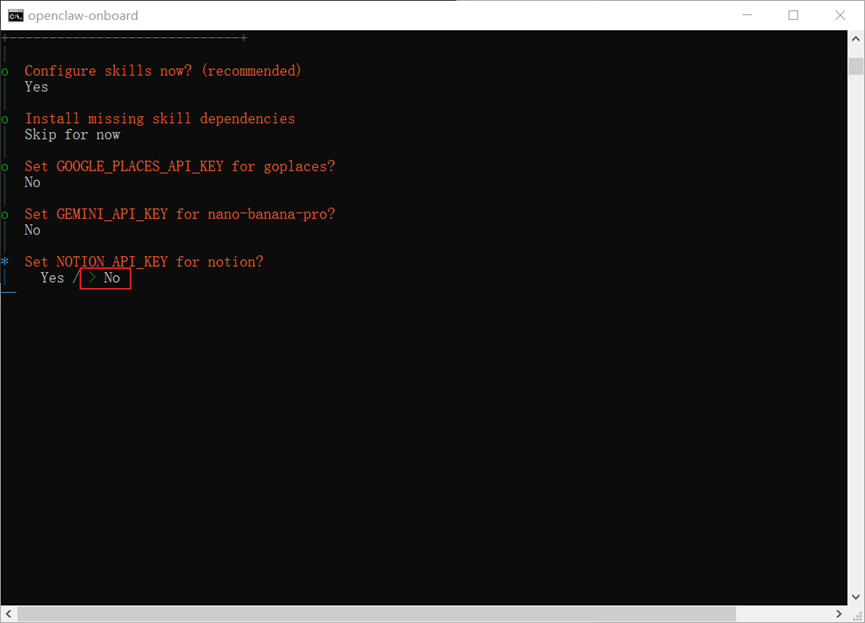
4.9)Set NOTION_API_KEY for notion? 选择No
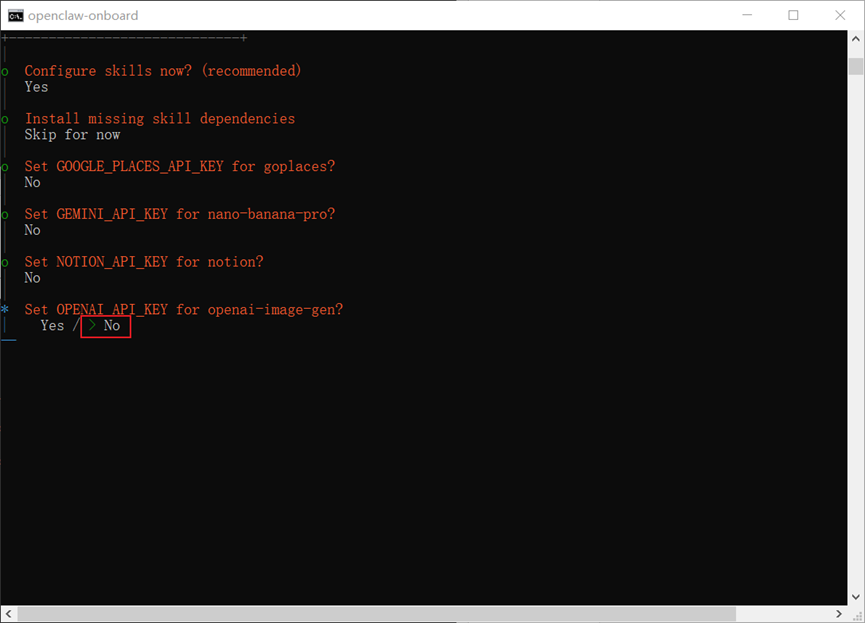
4.10)Set OPENAI_API_KEY for openai-image-gen? 选择No
4.11)Set OPENAI_API_KEY for openai-whisper-api? 选择No
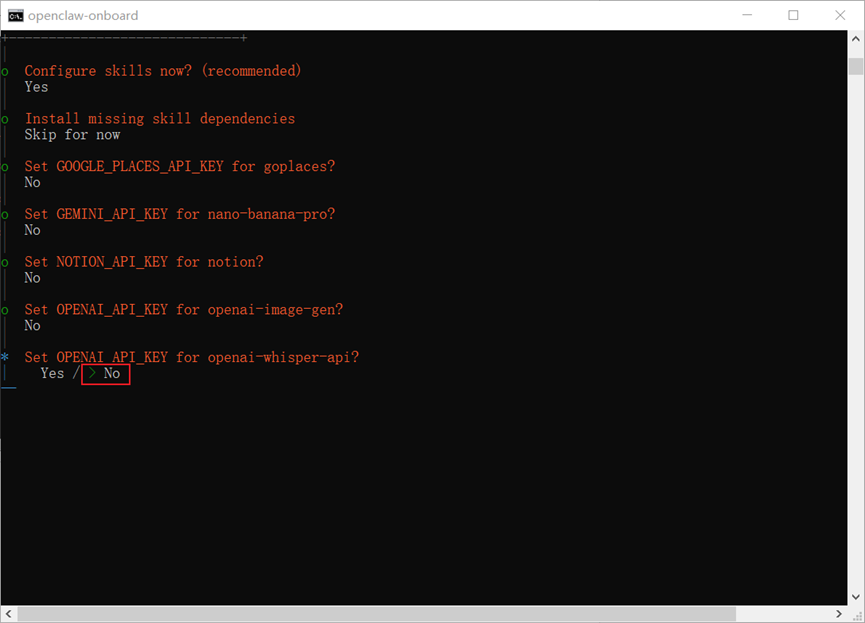
4.12)Set ELEVENLABS_API_KEY for sag? 选择No

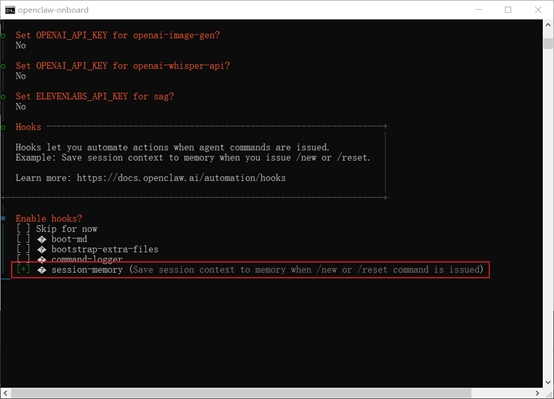
4.13)Enable hooks? 询问你是否要启用 Hooks(钩子/插件),选择session-memory,让 AI “记住”之前的对话内容或项目上下文,即使你关闭了终端再重新打开,它也能延续之前的话题
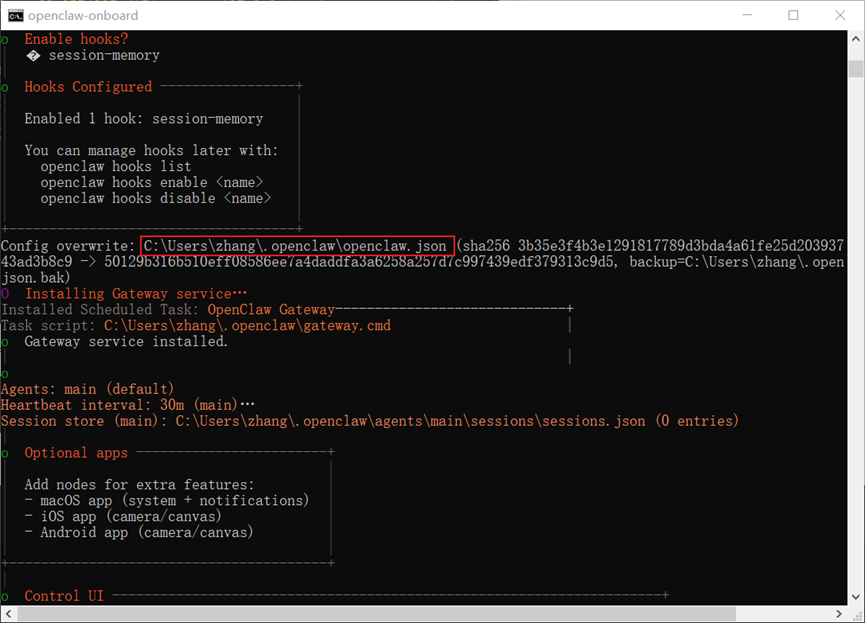
4.14)到这里基本就配置完成了,可以看到给我们生成了一个openclaw.json的配置文件
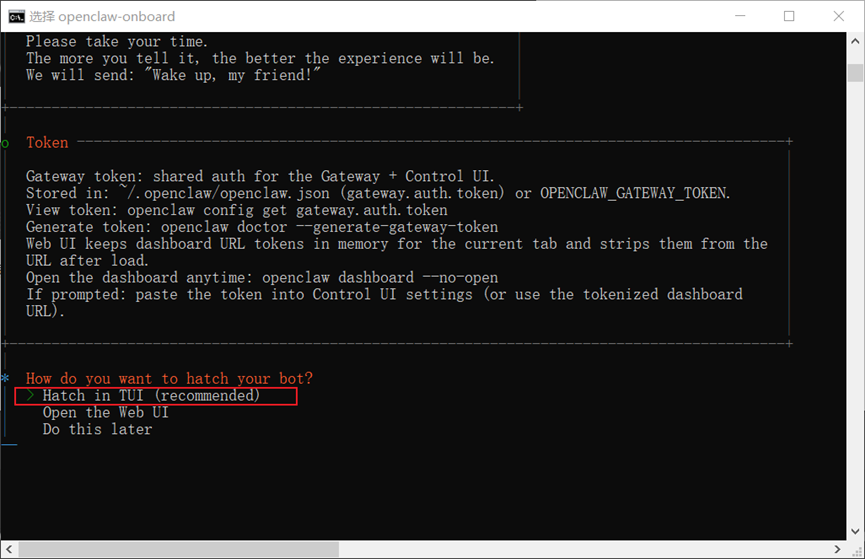
4.15)可以看到安装了Gateway服务,Control UI,生成了Token
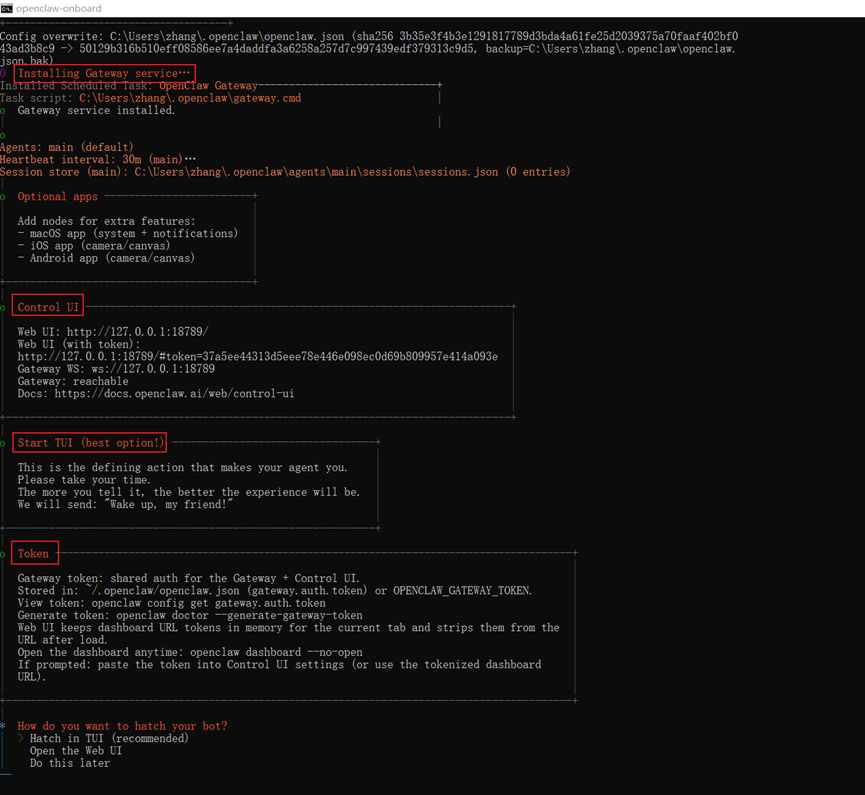
4.16)访问地址:http://127.0.0.1:18789/#token=37a5ee44313d5eee78e446e098ec0d69b809957e414a093e
4.17)How do you want to hatch your bot? 问你怎么孵化小机器人,选择 “Hatch in TUI”
备注:
1. 启动网关服务 :openclaw gateway start
2. 卸载全局openclaw:npm uninstall -g openclaw
3. 如果启动后遇到其他问题,比如机器人不回复消息或者API调用失败,可以先试试 OpenClaw 自带的诊断工具来排查:
openclaw doctor
openclaw doctor --repair
openclaw status
openclaw logs --follow
2026-03-10 18:51:16 阅读(508)
名师出品,必属精品 https://www.91mszl.com
Copyright © 2015 - 2026. 91名师指路. All Rights Reserved. 91名师指路 版权所有 鄂ICP备2022008697号-1
 苏公网安备32058302003540